Your Privacy
Your Devices
Fully Protected
VPN, security, cloud storage, and device cleanup — one subscription, total peace of mind.

Built on Technology You Can Trust
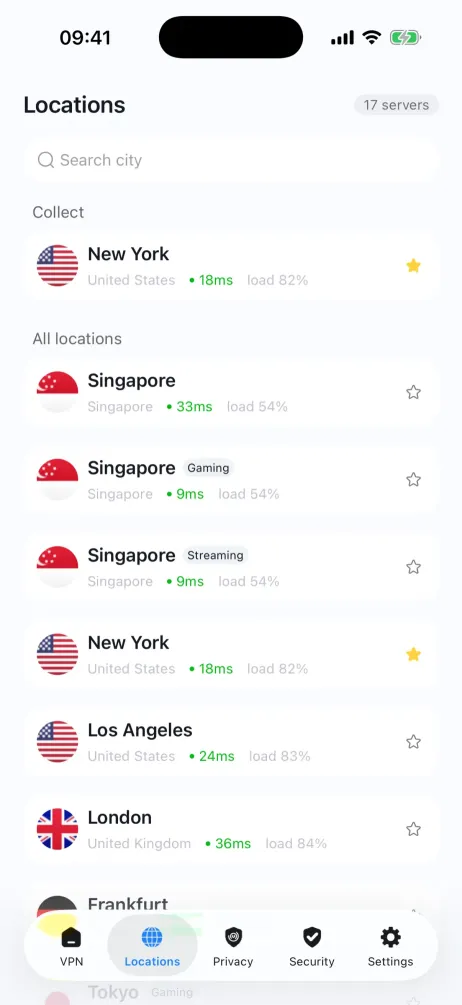
Every layer of BlueHammer is engineered to keep your data private and your devices fast.
Data Encryption
Bank-level encryption protects your files and traffic — the same standard trusted by the world's leading financial institutions.

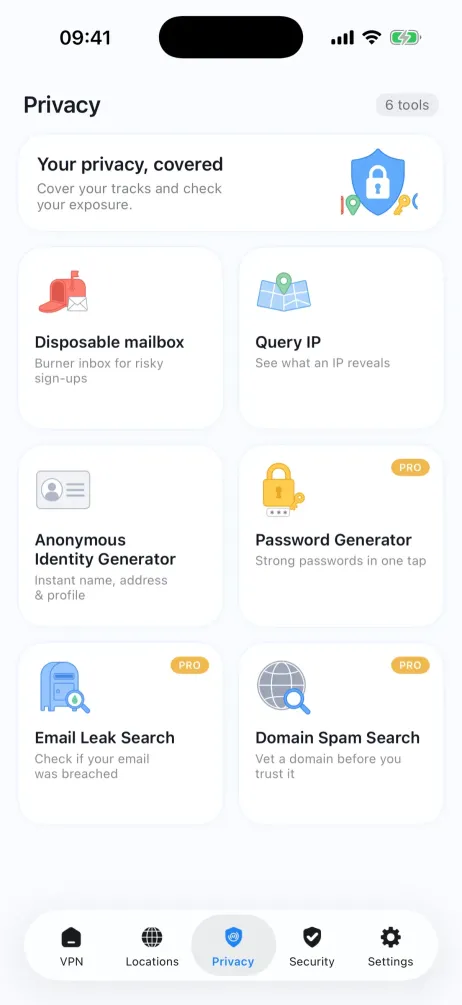
Privacy Shield
Your browsing history, location, and personal data stay invisible to trackers, advertisers, and bad actors.

Secure Backup
Automatic encrypted backups mean you'll never lose a photo, document, or contact — even if your device is lost or compromised.

The Numbers Speak for Themselves
 4.8
4.8 Average App Store Rating
Rated by tens of thousands of real users across iOS and Android.
 34%
34% Faster Browsing Speeds
Optimized servers in 60+ countries deliver noticeably faster streaming and downloads.
 4.8M+
4.8M+ Users Worldwide
Trusted across 120+ countries to keep devices private, clean, and secure.
Four Tools, One Mission — A Safer Digital Life
Every BlueHammer product is built to solve a real problem — no bloat, no gimmicks.

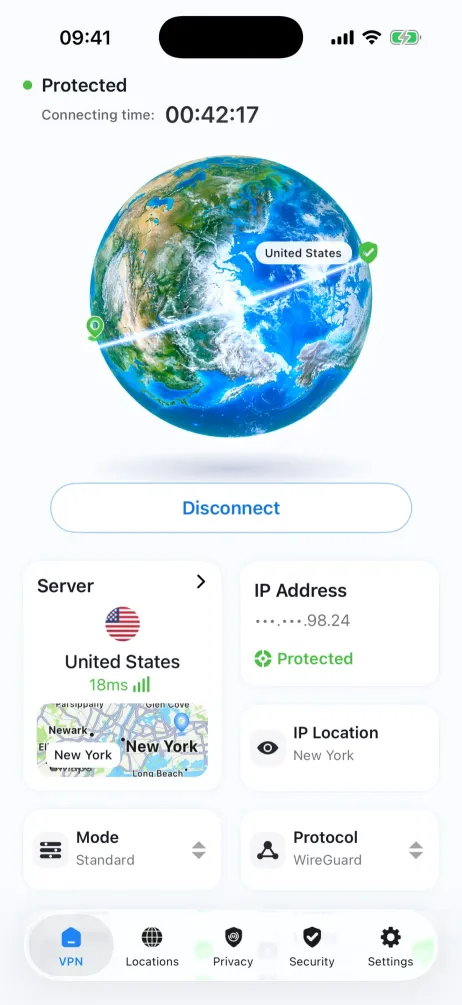
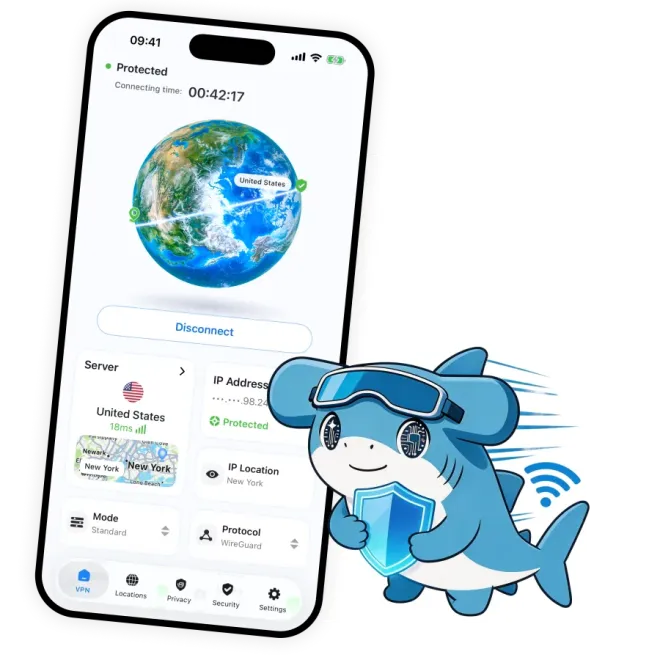
BlueHammer VPN
Browse without borders — or surveillance.
 Global servers, optimized for speedNo-logs policy, independently auditedOne-tap connect, kill switch built in



Rating

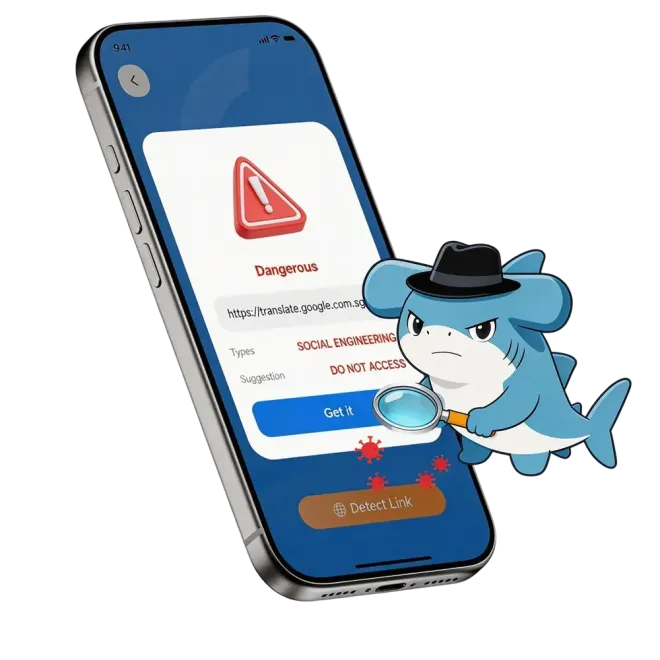
BlueHammer Security
Stay safe online without thinking about it.
Phishing link detection and unsafe site blockingPrivacy risk scanning for apps and permissionsReal-time alerts when your data is exposedRating

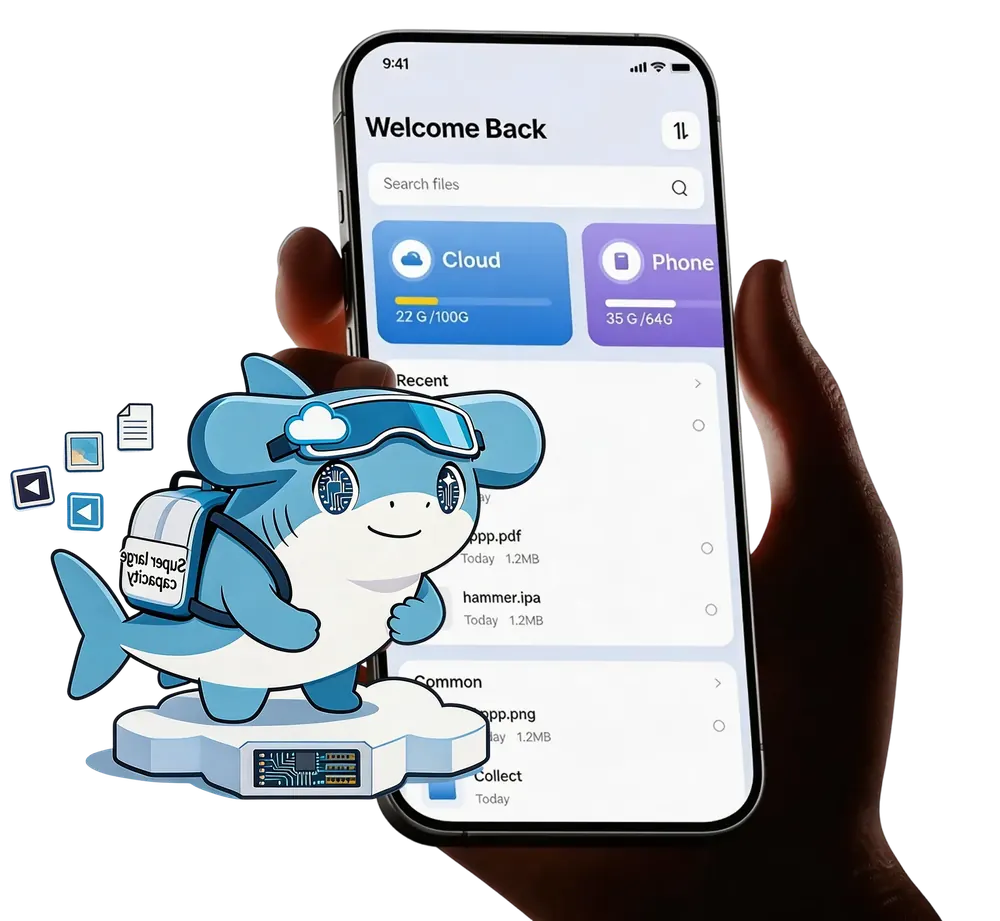
BlueHammer Drive
Your files, encrypted and available everywhere.
End-to-end encrypted cloud storageSync across all your devices instantlyShare files securely with expiring linksRating

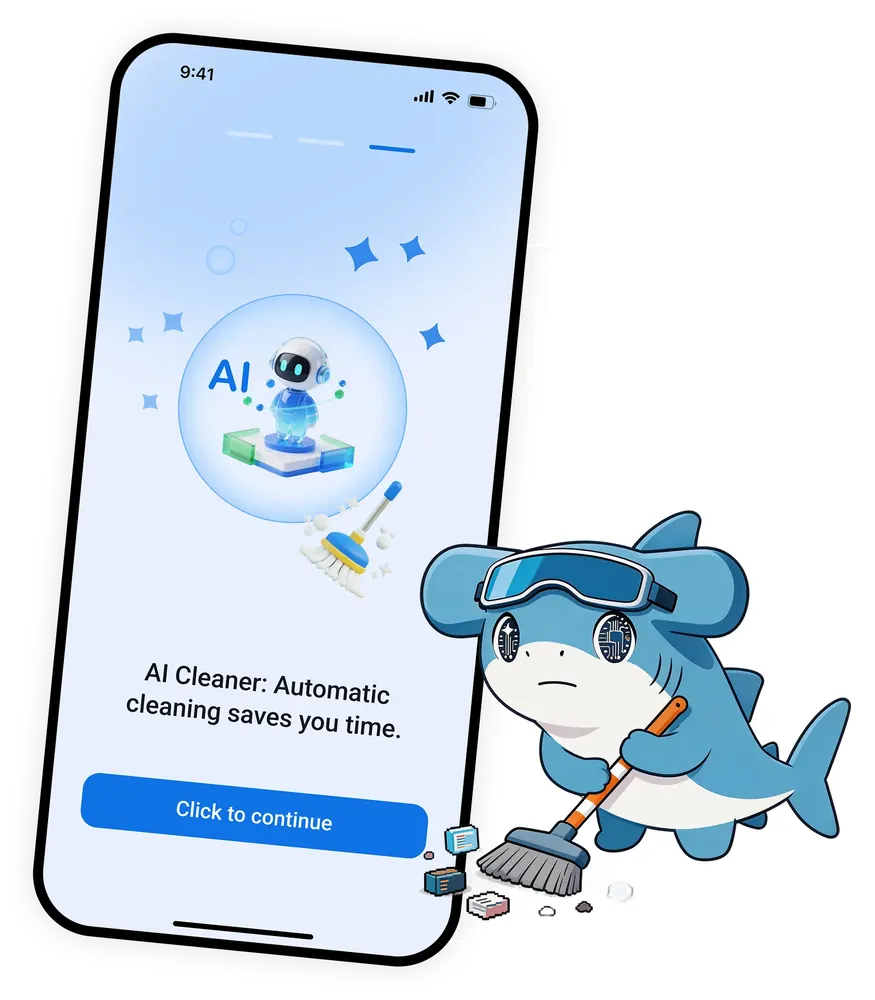
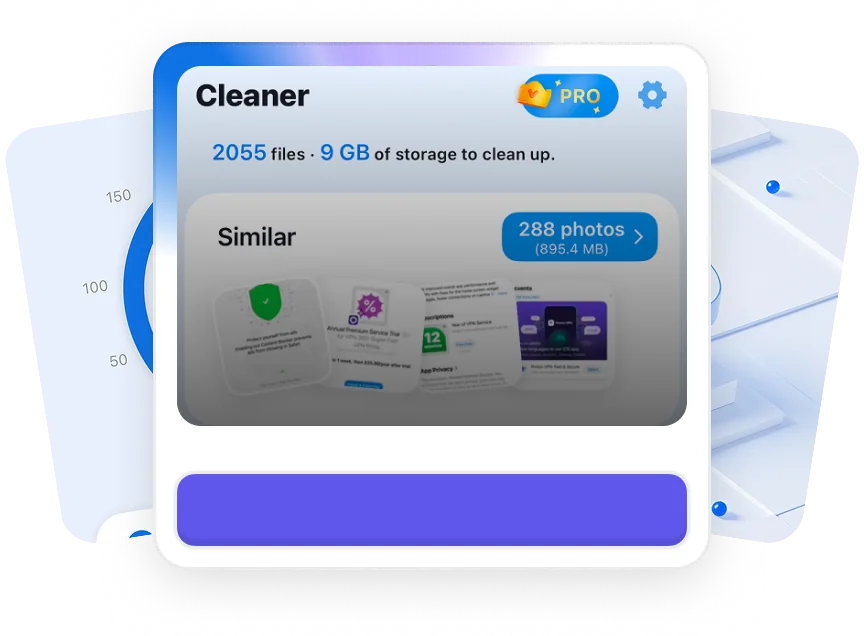
BlueHammer Cleaner
Reclaim storage. Boost performance.
Smart junk detection removes what you don't needDuplicate file finder saves gigabytesBattery and RAM optimization in one tapRating
Protected in Under 60 Seconds
No credit card required. No complicated setup. Just download and go.
Create Your Account
Sign up with your email in 15 seconds. That's it — no phone number, no forms, no friction.
Login Successful
Login Successful
Download the App
Available on iOS, Android, and macOS. Pick your device, install, and you're ready.







You're Protected
VPN connects automatically. Security starts protecting. Your cloud storage is ready. All from day one.
 Cleaned up spaceUploaded
 Secure Connection↑ 152 MB/s
 Protection activeTurned On
 Cleaned up space+10GBCleaned up spaceUploadedSecure Connection↑ 152 MB/sProtection activeTurned OnCleaned up space+10GB
Why 4.8 Million People Choose BlueHammer
Privacy tools should work for you — not the other way around.
Ridiculously Easy to Use
No setup guides, no tech jargon. Every BlueHammer app is designed so you're protected from the moment you hit download. One tap to connect, one tap to scan, one tap to sync.
Built on Real Feedback
We ship updates every two weeks based on what our users actually ask for. No feature bloat — just the tools you need, getting better all the time.



Works Everywhere You Do
iOS, Android, and macOS. Install on your phone, your laptop, your tablet — your BlueHammer account keeps everything in sync across every supported device.





One App, Everything
You Need
VPN, security, cloud backup, and device cleanup — access every BlueHammer tool from a single dashboard.











Your purchase covers up to 6 devices simultaneously — phones, tablets, laptops, desktops. Mix and match however you like.
Never. We enforce a strict no-logs policy. We don't track your browsing, store your IP address, or sell your data. Period.
We offer flexible monthly and annual plans. Every plan includes all four BlueHammer tools — VPN, security, cloud storage, and device cleanup. Pay once, use forever.
BlueHammer works on iOS, Android, and macOS. All apps sync through your account automatically.
Absolutely. We offer a 30-day money-back guarantee on all plans. If you're not happy, we'll refund you — no hoops to jump through.
Most tools solve one problem. BlueHammer gives you VPN, security, cloud storage, and device cleanup in one purchase — for less than the cost of a single competitor product.
What Customers Notice Day to Day
BlueHammer brings privacy, storage, cleanup, and security into one practical toolkit for everyday device care.
“The value is in how ordinary it feels. I do not think about it much, and that is exactly what I want from security and storage tools.”

- Karen Mitchell
HR Director
“I use BlueHammer because it puts the basics in one place. I can run the VPN, clean up storage, and keep files backed up without jumping between four apps.”

- Marcus Reed
Operations Manager
“The setup was straightforward, and my parents were able to understand it too. That matters more to me than a long list of features.”

- Lauren Chen
Independent Consultant
“For client work, I just need tools that do their job quietly. BlueHammer has been easy to explain to non-technical people on my team.”

- Daniel Kim
IT Consultant
“It is not flashy, but it solves a lot of small problems I used to ignore. My phone has space, my files are backed up, and public Wi-Fi feels less risky.”

- Maya Patel
Marketing Director
“We started using it for basic security and storage. The best part is that people actually keep using it because the app does not get in the way.”

- Eric Hamilton
Construction Project Lead
“I like that the product feels practical. It handles privacy, cleanup, and backups without making me manage a bunch of settings.”

- Tasha Williams
School Administrator
“BlueHammer became one of those apps I open when I need something done fast. It is clear, direct, and not loaded with confusing upsells.”

- Ben Carter
Freelance Video Editor
“Our team is small, so we do not have time to train everyone on separate tools. BlueHammer made the everyday stuff a lot easier to standardize.”

- Natalie Rivera
Boutique Owner
“I travel most weeks, and I wanted something simple for VPN and file access. BlueHammer has been reliable without feeling heavy.”

- Omar Johnson
Field Sales Manager
“The value is in how ordinary it feels. I do not think about it much, and that is exactly what I want from security and storage tools.”
- Karen Mitchell
HR Director
“I use BlueHammer because it puts the basics in one place. I can run the VPN, clean up storage, and keep files backed up without jumping between four apps.”
- Marcus Reed
Operations Manager