
Common clutter categories
Review supported downloads, duplicate media, and other files surfaced by the app.

Install BlueHammer Cleaner from Google Play to review common file and media clutter on a supported Android device.

BlueHammer Cleaner · Android
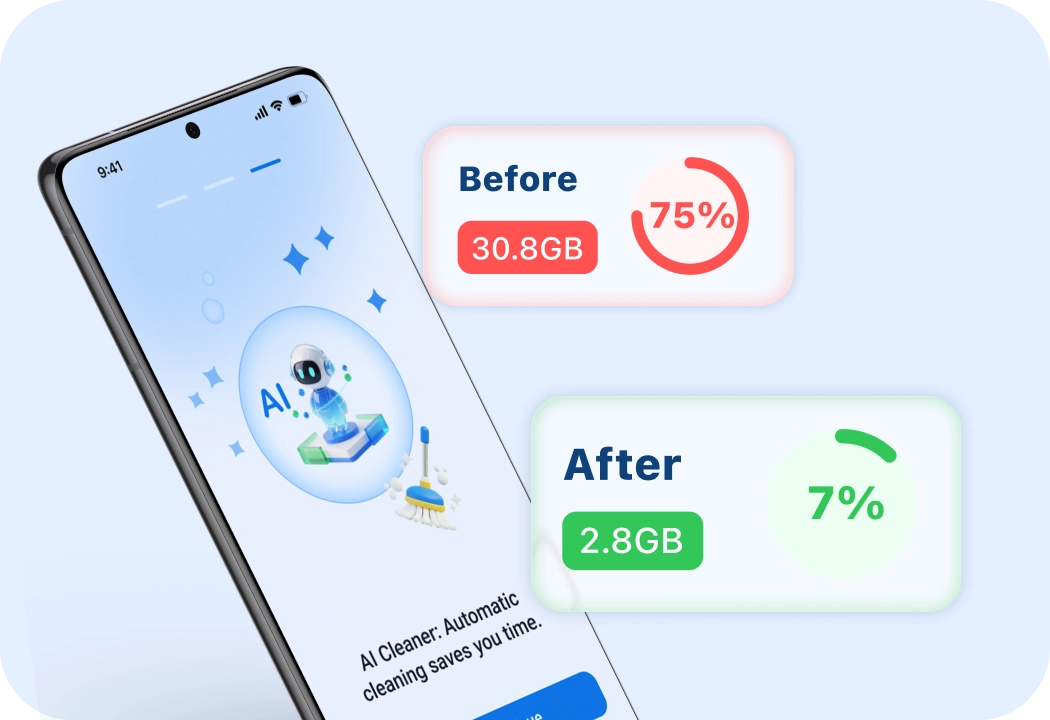
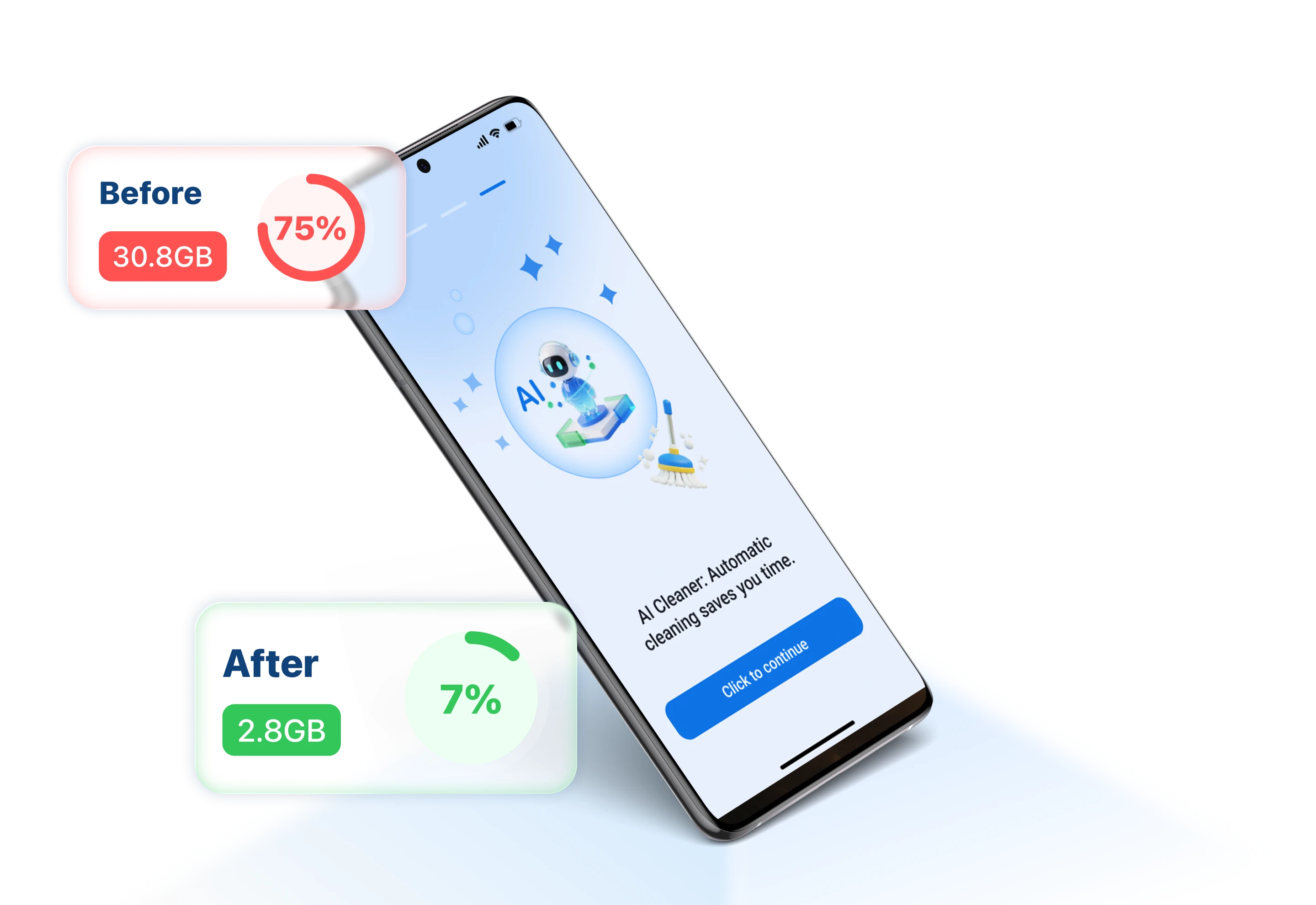
Cleaner organizes common cleanup candidates so you can inspect them before deciding what should remain on your Android device.
Review supported downloads, duplicate media, and other files surfaced by the app.
Keep control of cleanup decisions instead of removing files automatically.
Grant only the file and media permissions needed for the areas you want to review.
Installation
Available for compatible Android phones and tablets through Google Play.
Open the BlueHammer Cleaner listing on Google Play.
Tap Install and wait for Google Play to finish.
Open Cleaner and choose the storage areas you want it to review.