

Photo review
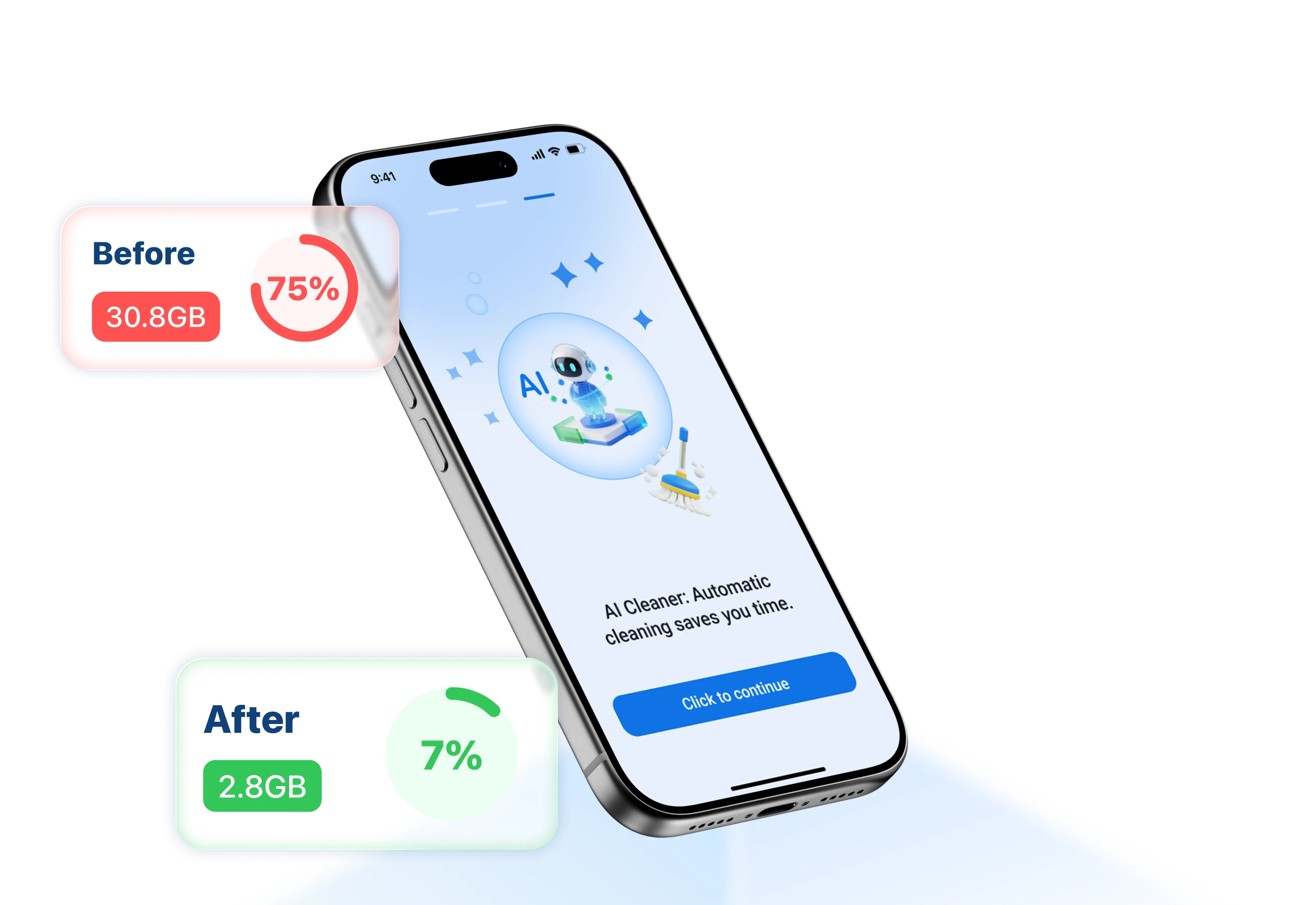
Bring similar photos and common image clutter into a focused review flow.

Install BlueHammer Cleaner from the App Store to review photos, screenshots, and other cleanup candidates on iPhone or iPad.

BlueHammer Cleaner · iOS
BlueHammer Cleaner helps you find groups of items worth reviewing while keeping the final removal choice in your hands.
Bring similar photos and common image clutter into a focused review flow.
Review selected items before confirming a cleanup action.
Use Cleaner with the photo permissions you choose to grant on iOS.
Installation
Available for supported iPhone and iPad models through Apple's App Store.
Open the BlueHammer Cleaner listing in the App Store.
Tap Get and complete Apple's installation flow.
Open Cleaner and choose the photo access needed for your review.