

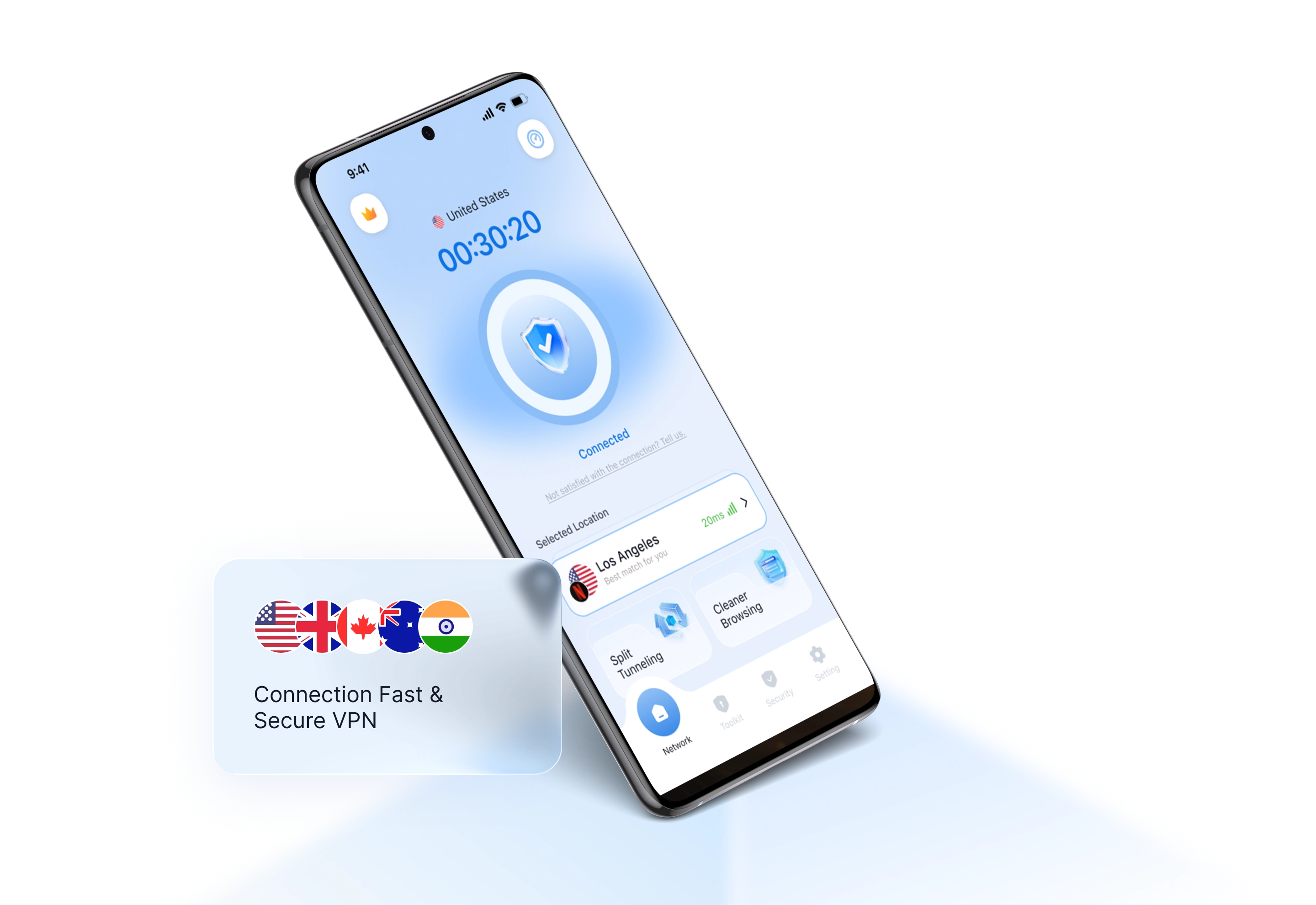
Encrypted connection
Add an encrypted VPN connection for supported browsing and app traffic.

Install BlueHammer VPN from Google Play for straightforward VPN controls on supported Android phones and tablets.

BlueHammer VPN · Android
Connect before using public Wi-Fi, choose from available locations, and manage VPN status without leaving the Android app.
Add an encrypted VPN connection for supported browsing and app traffic.
Choose from the server locations currently available to your account.
Follow Android's standard VPN permission flow and manage the connection in the app.
Installation
Available for compatible Android phones and tablets through Google Play.
Open the BlueHammer VPN listing on Google Play.
Tap Install and wait for Google Play to finish.
Open the app, sign in, and approve Android's VPN connection request.