
Public Wi-Fi privacy
Route supported internet traffic through an encrypted VPN connection when you are away from trusted networks.

Install BlueHammer VPN from the App Store to add an encrypted connection for browsing on iPhone and iPad.

BlueHammer VPN · iOS
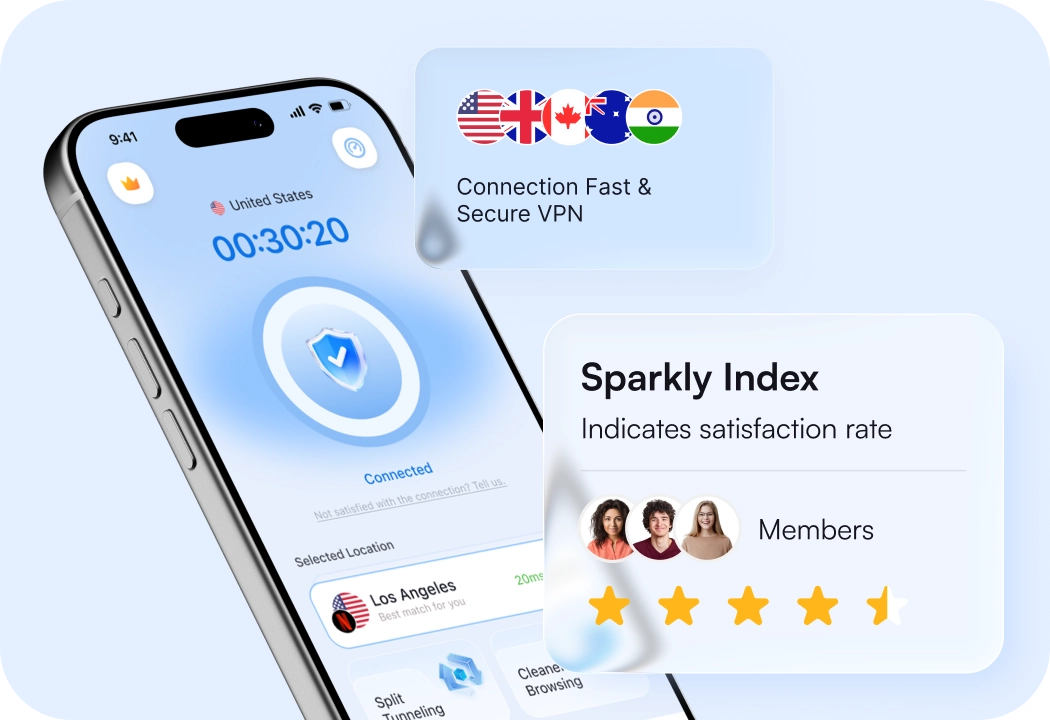
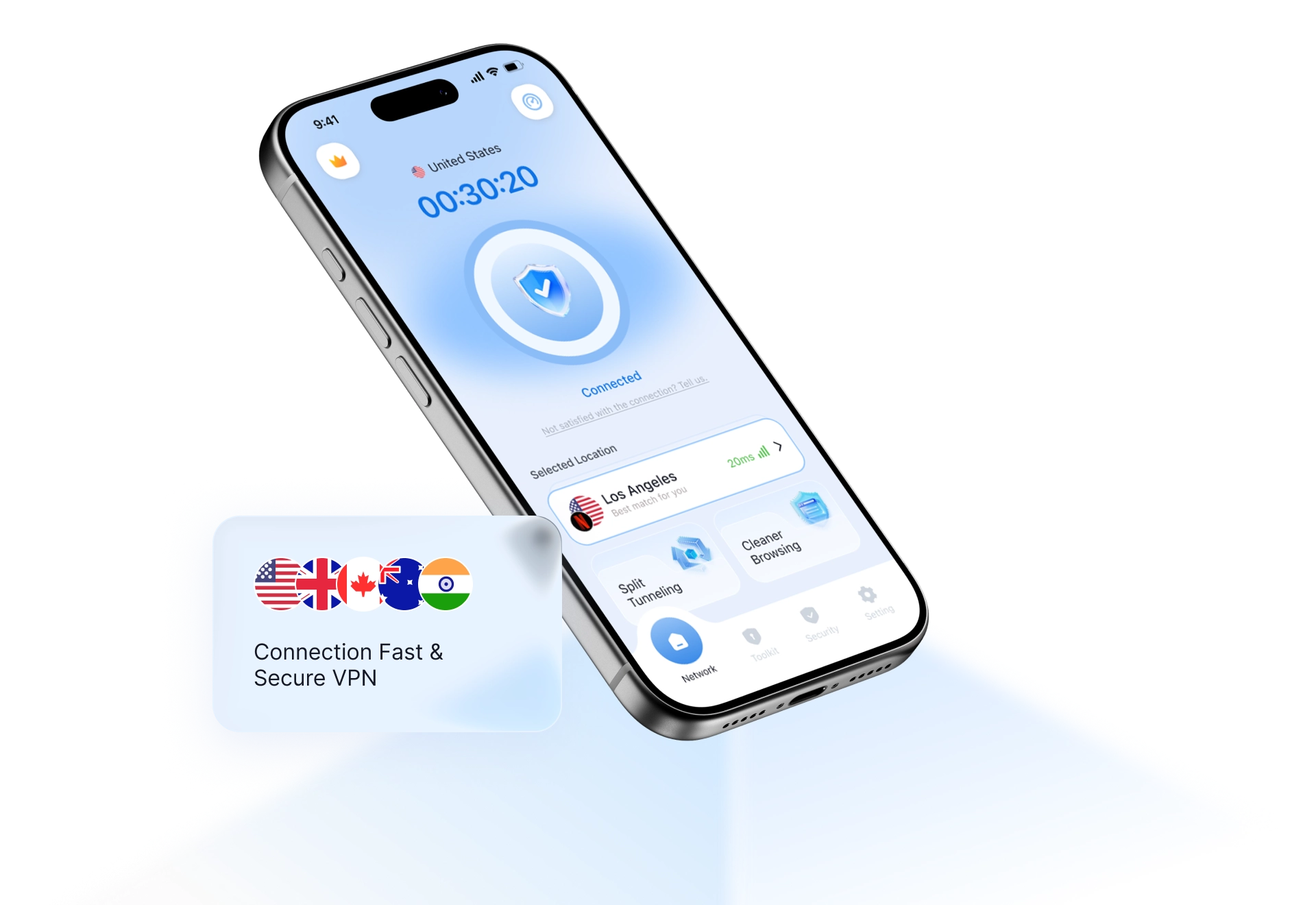
BlueHammer VPN gives iPhone and iPad users a focused way to connect before browsing, streaming, or using an unfamiliar network.
Route supported internet traffic through an encrypted VPN connection when you are away from trusted networks.
Choose an available location and manage the VPN connection from the iOS app.
Use the same BlueHammer account on supported Apple mobile devices.
Installation
Available for supported iPhone and iPad models through Apple's App Store.
Open the BlueHammer VPN listing in the App Store.
Tap Get and complete Apple's installation flow.
Open the app, sign in, and follow the iOS VPN permission prompt.