What's New in BlueHammer: August 2026
August 2026 release notes: sign in with an activation code, a clearer post-purchase page, device management, and a real analytics opt-out.

August is about the minutes right after you pay. Until now, finishing a purchase meant bouncing between your email and a verification form before you could touch the thing you just bought. This release replaces that with a single code — and adds the account controls that a code-based sign-in needs to be safe.
Sign in with an activation code
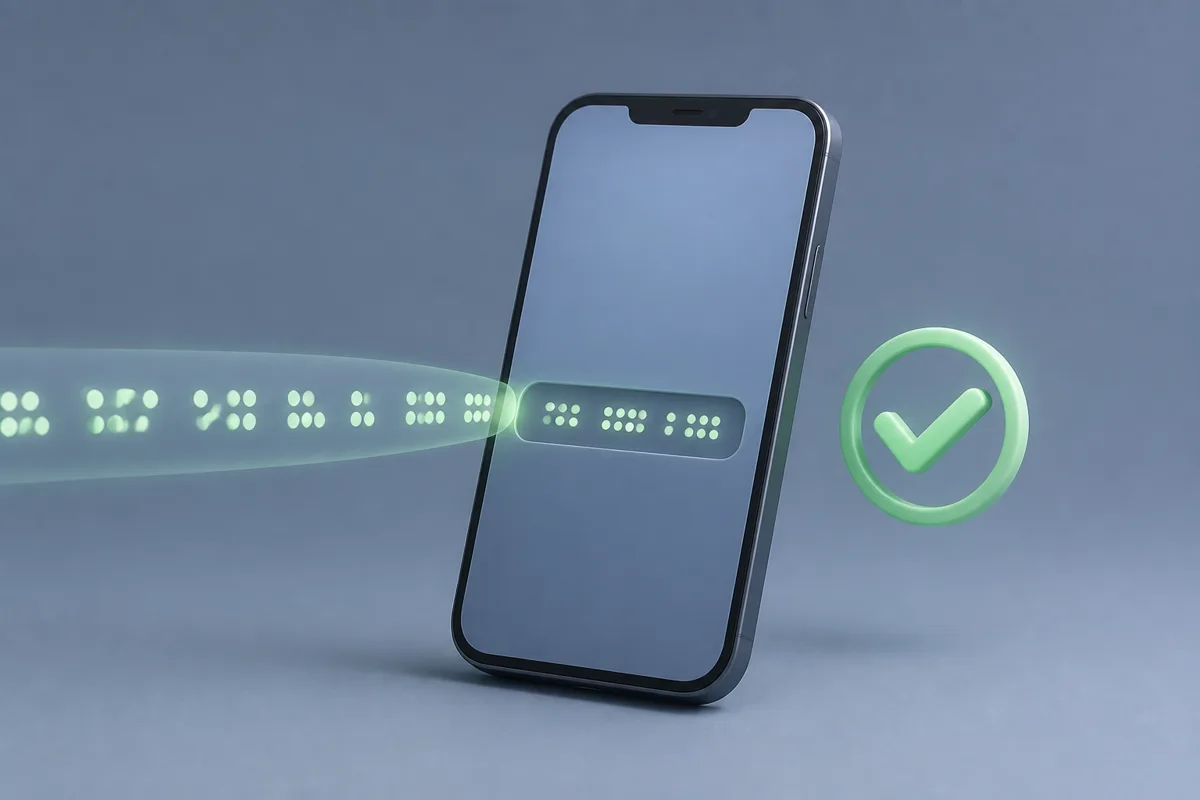
When you buy on the website, the confirmation page now shows a 16-digit activation code, and the same code lands in your email. Type or paste it on the app’s sign-in screen and you’re in — no password to invent, no verification round-trip while your coffee gets cold.
A code you can type is also a code somebody else could find, so it deliberately opens a limited session. You can use everything you paid for, but sensitive account actions — changing contact details, removing devices, deleting the account — stay locked until you verify your email once. The code gets you using the product in seconds; your inbox still guards the keys.
The confirmation page itself was rebuilt around the code: copy it with one tap, watch a short clip of exactly where it goes in the app, and if you bought on a computer, scan a QR code to pull the right app store page up on your phone. Tapping Download also quietly copies the code to your clipboard, so it’s already there when the app asks.
Devices, counted honestly
One account now covers up to five devices signed in at the same time, across any mix of phones, tablets, and computers. The app shows how many slots you’re using and lets you sign out a device you no longer have — the old laptop you traded in stops counting against you the moment you remove it.
Five covers almost everyone, but it’s a default, not a wall. If your household genuinely runs more, email hello@bluehammer.app and we’ll raise the limit for your account. The Terms of Use now spell all of this out in plain language, because a limit you discover by hitting it is a limit communicated badly.
A real analytics opt-out
The website now asks about analytics cookies once, with two buttons that are the same size. Decline, and analytics collection for your browser is switched off and stays off — the choice is stored, not re-asked on every visit. Most consent banners are a maze designed to exhaust you into clicking accept; ours is two buttons because that’s all the question needs.
Smaller things
The homepage paints noticeably faster on phones — the first images you see now start downloading before the page scripts finish waking up. And a batch of copy across the site was tightened so that what we promise matches what the product does, including the device limits above.
If an update prompt hasn’t reached you yet, the latest version is always on the download page. Settings, Drive folders, and VPN configurations survive updates — reinstalling over the top is safe.
Common questions
What if I lose my activation code?
The same code is in the email we sent when your payment went through, so check your inbox first. It stays valid, and it is always the same code for your order. If you can't find the email, write to hello@bluehammer.app from the address you used at checkout.
Does the device limit affect me if I'm already signed in?
No. Nothing changes for devices that are already signed in. The default limit of five concurrent devices only comes into play when you add a sixth, and you can remove an old device from your account at any time to free a slot.
Where do you report a bug?
Email hello@bluehammer.app with your macOS version and the steps that trigger the problem. A short list of what you did and what happened instead is enough for us to reproduce most issues.
Recommended next step
Make everyday Mac care easier with BlueHammer
Clean up storage, organize files, browse privately, and keep everyday protection in one place.
Get the latest version